Running a show
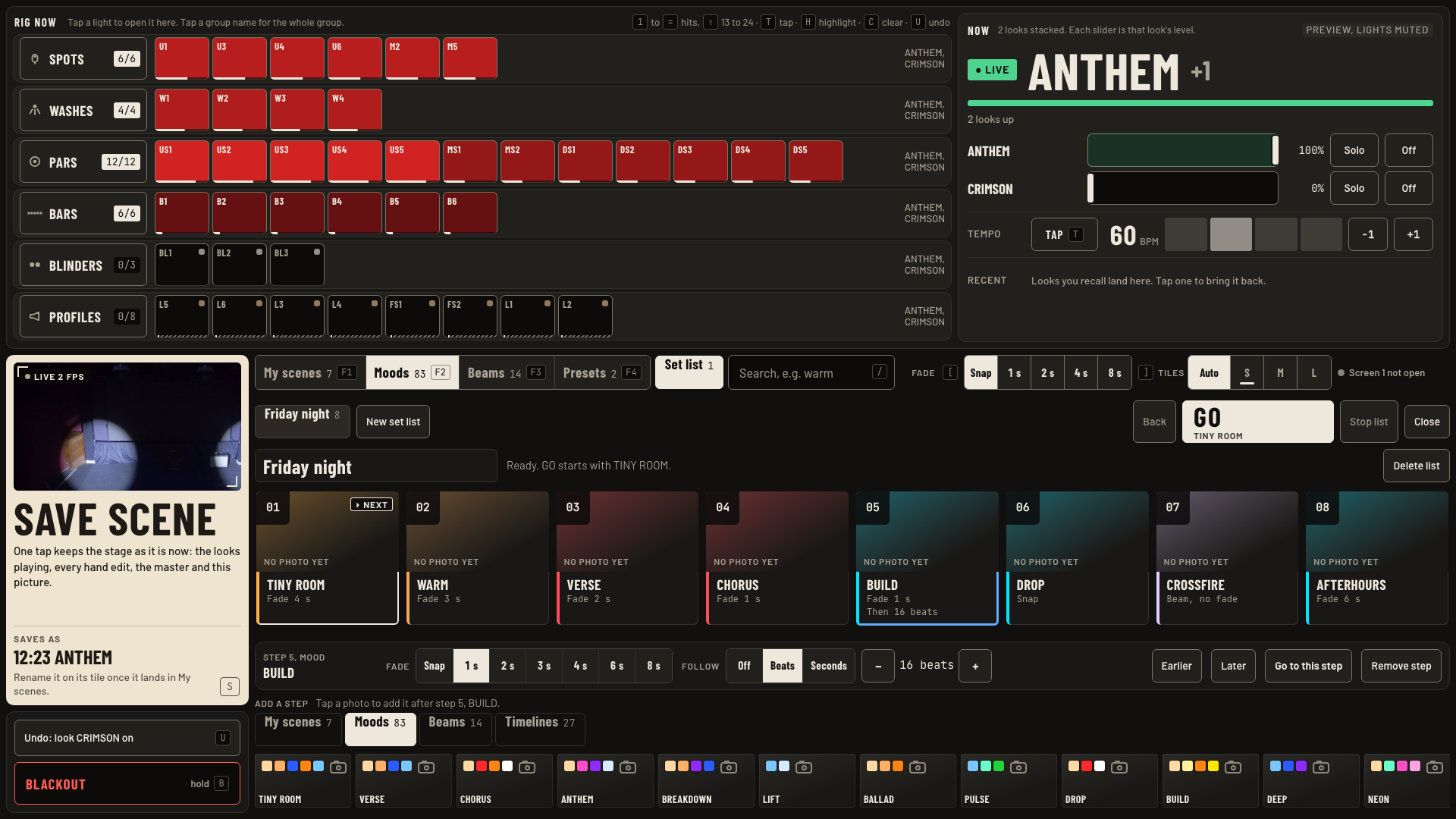
The set list, GO and Back, follow in beats, Release, Hard blackout, and the Now panel.
Do this
- GO in screen 1's footer plays the next step of the set list. Back steps one back. Keys G and Shift + G.
- Pick a list: tap the set list name in the footer. It also reads the step on stage, like 1/8 TINY ROOM.
- Build or change a list on screen 2: tap Set list next to Presets. Tap photos to add steps. Drag a step number to reorder.
- Each step has a Fade and a Follow: Off, Beats or Seconds. With Follow set, the next step plays by itself and GO counts down.
- Go to this step jumps there. Stop list stops the list. The lights stay as they are.
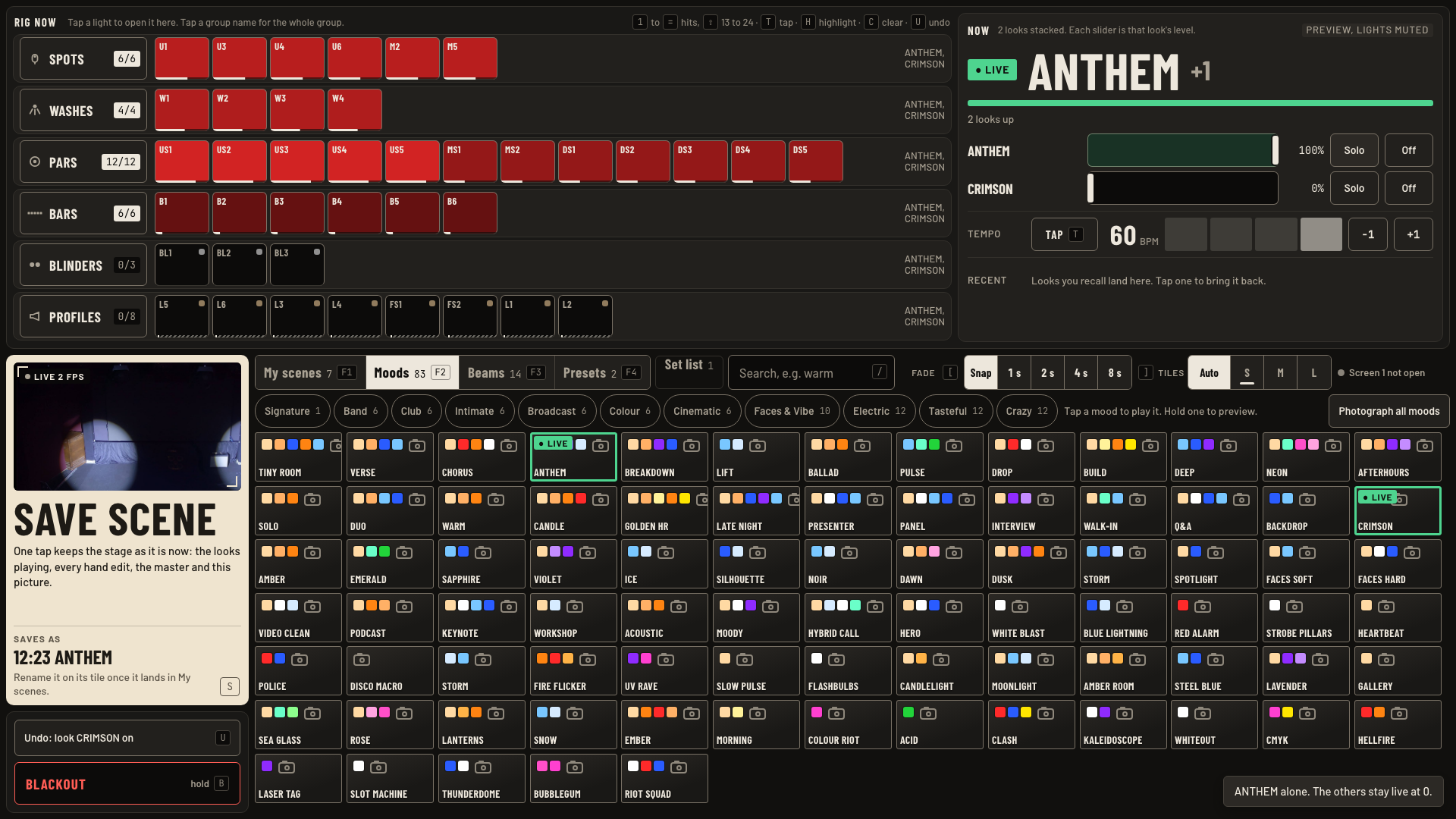
- A mood tap takes over. It stops a running timeline. The footer reads Stopped, then the new mood.
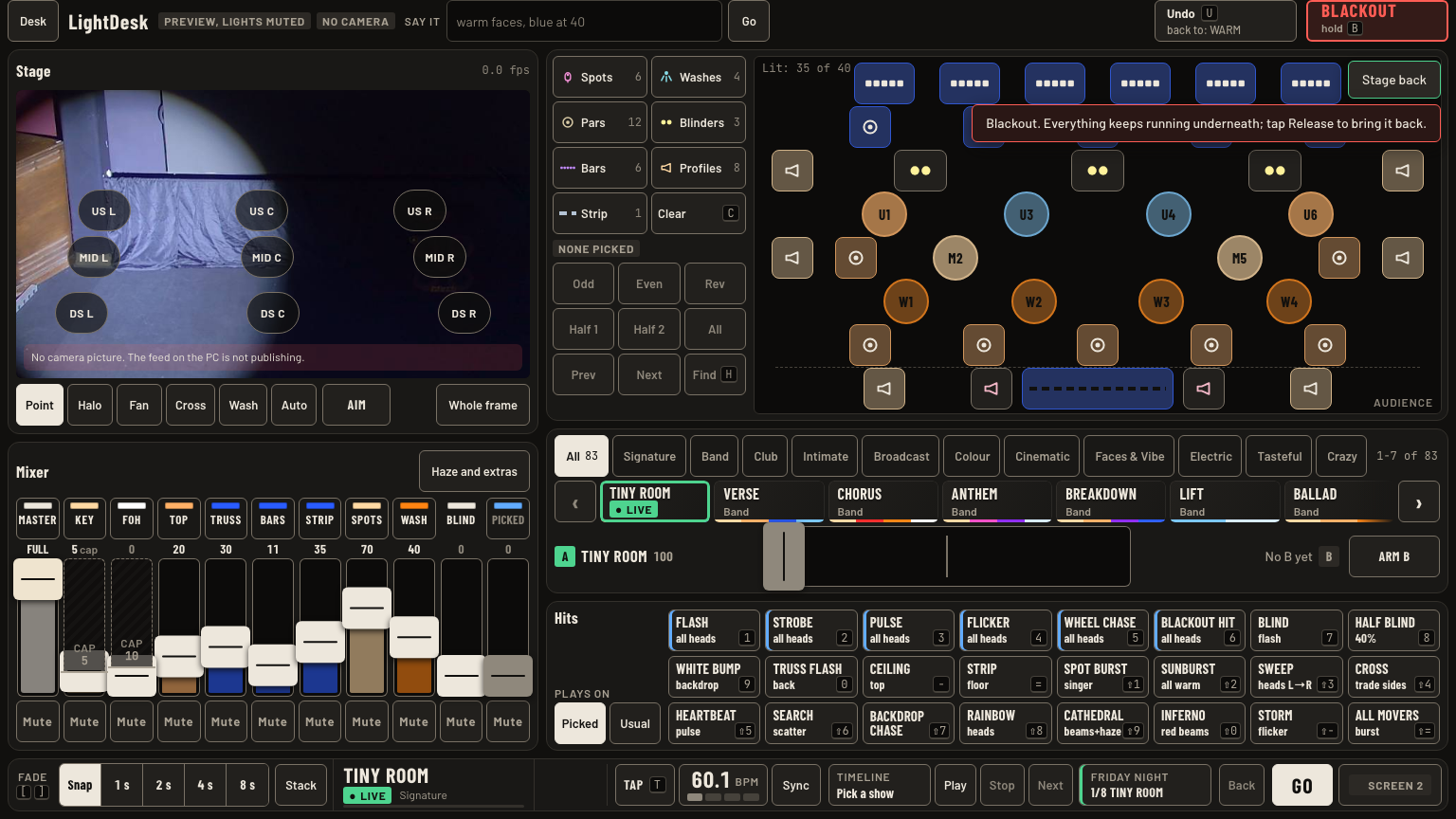
- Blackout: hold Blackout or B for 0.7 s. The stage goes dark and everything keeps running. Tap it again, now Release, to bring it back at your fade.
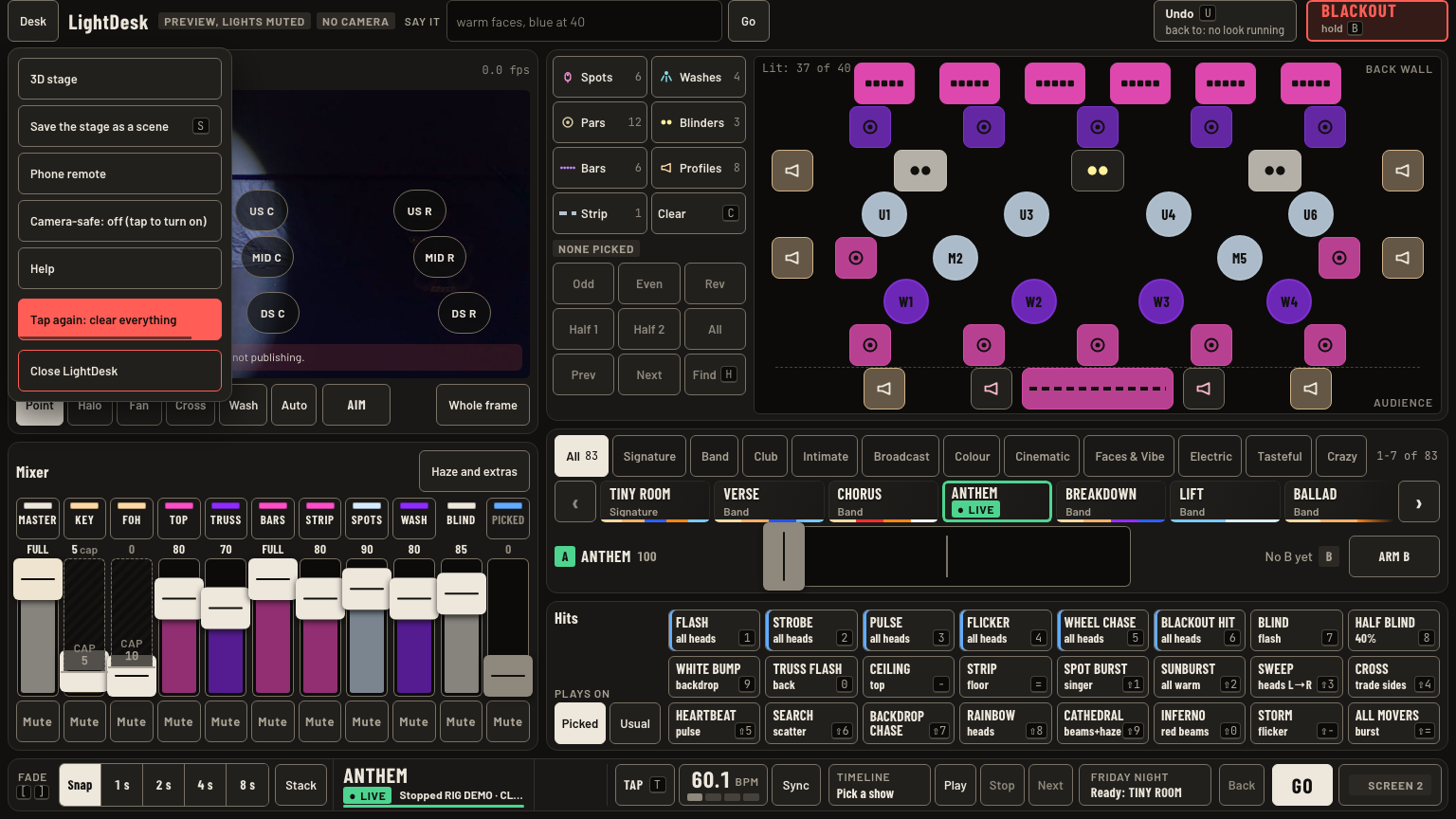
- Hard blackout, in the Desk menu: tap, then tap again. It stops the timeline, drops every look and hand edit. Undo brings it back.
- NOW on screen 2 names the step on stage. With a list loaded, the line under it reads Next: DROP on GO, or Next: DROP in 12 s when Follow is set.
- Now on screen 2: one level slider per look on stage. Solo puts one look at full and the rest at 0, still live. Off drops a look.
Keys and gestures
| Press | What happens |
|---|---|
| G | GO: the next step. |
| Shift + G | Back one step. |
| Blackout or B, hold 0.7 s | Blackout, everything kept running. |
| Tap Release | Stage back at your fade. |
| Desk menu, Hard blackout, twice | Clears everything. |
| Solo | One look at full, the others at 0. |
Good to know
- Follow in beats runs on the tempo clock. Set the tempo first (chapter 6).
- A GO puts a mood on the way a tap does: the other looks fade out with it.
- After a mood tap takes over, the set list in screen 1's footer reads Last go, like 2/8, and names the step the next GO plays.
- Under a held blackout, the first Undo releases it, the same as tapping Release. The next Undo is the normal undo.