Rhythm
Tap tempo, the Effect card on screen 2, and fanning a colour across the pick.
Do this
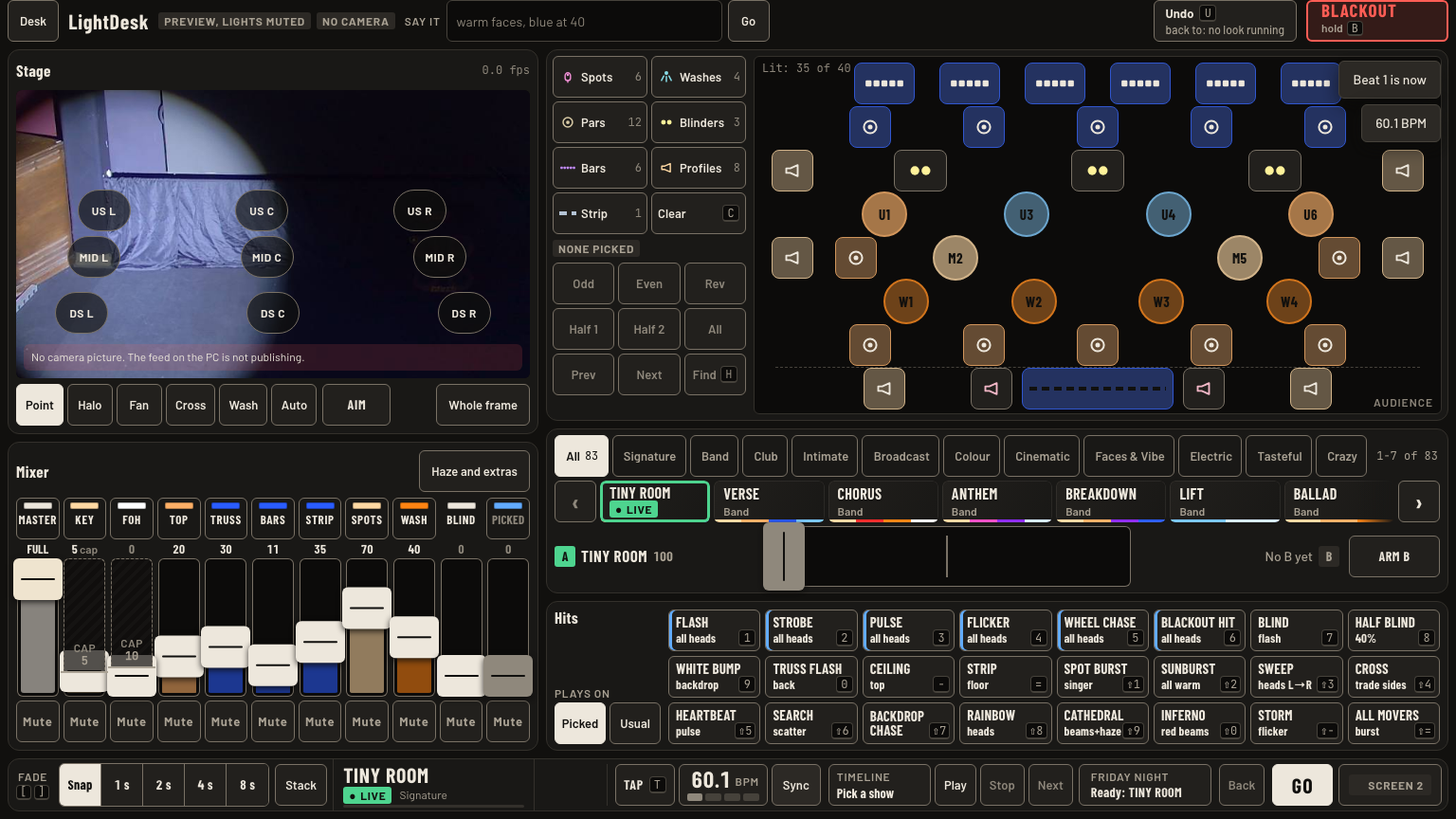
- Tap tempo: tap Tap or T on the beat. Two taps set it. A gap over 2 s starts a new count.
- Tap the BPM readout to open −, +, ÷2 and ×2. ÷2 and ×2, or , and ., fix a count that came out half or double.
- − and + move the beat 20 ms. Sync makes now the first beat of the bar.
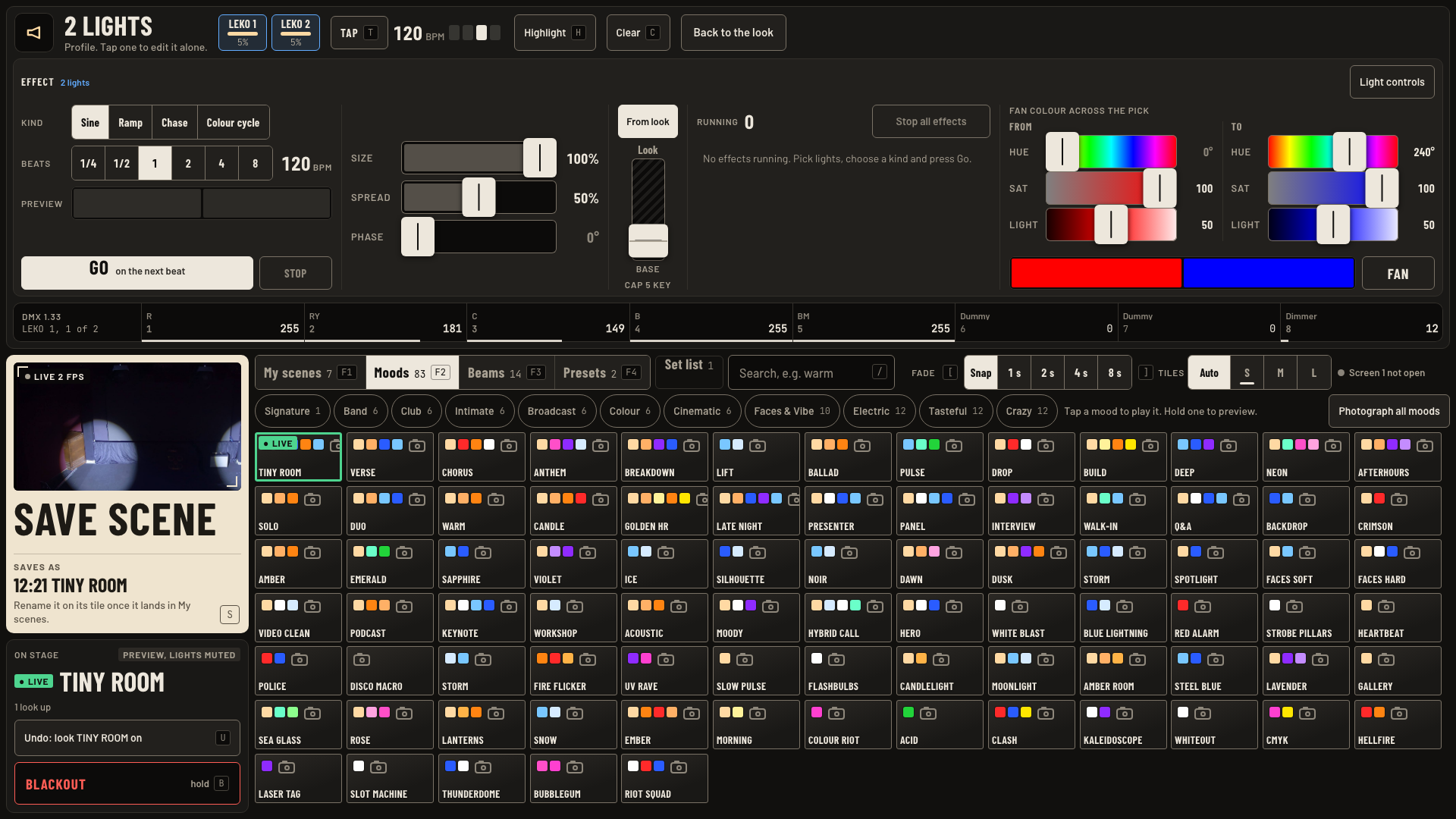
- Effects: pick lights, then tap Effects in their card on screen 2.
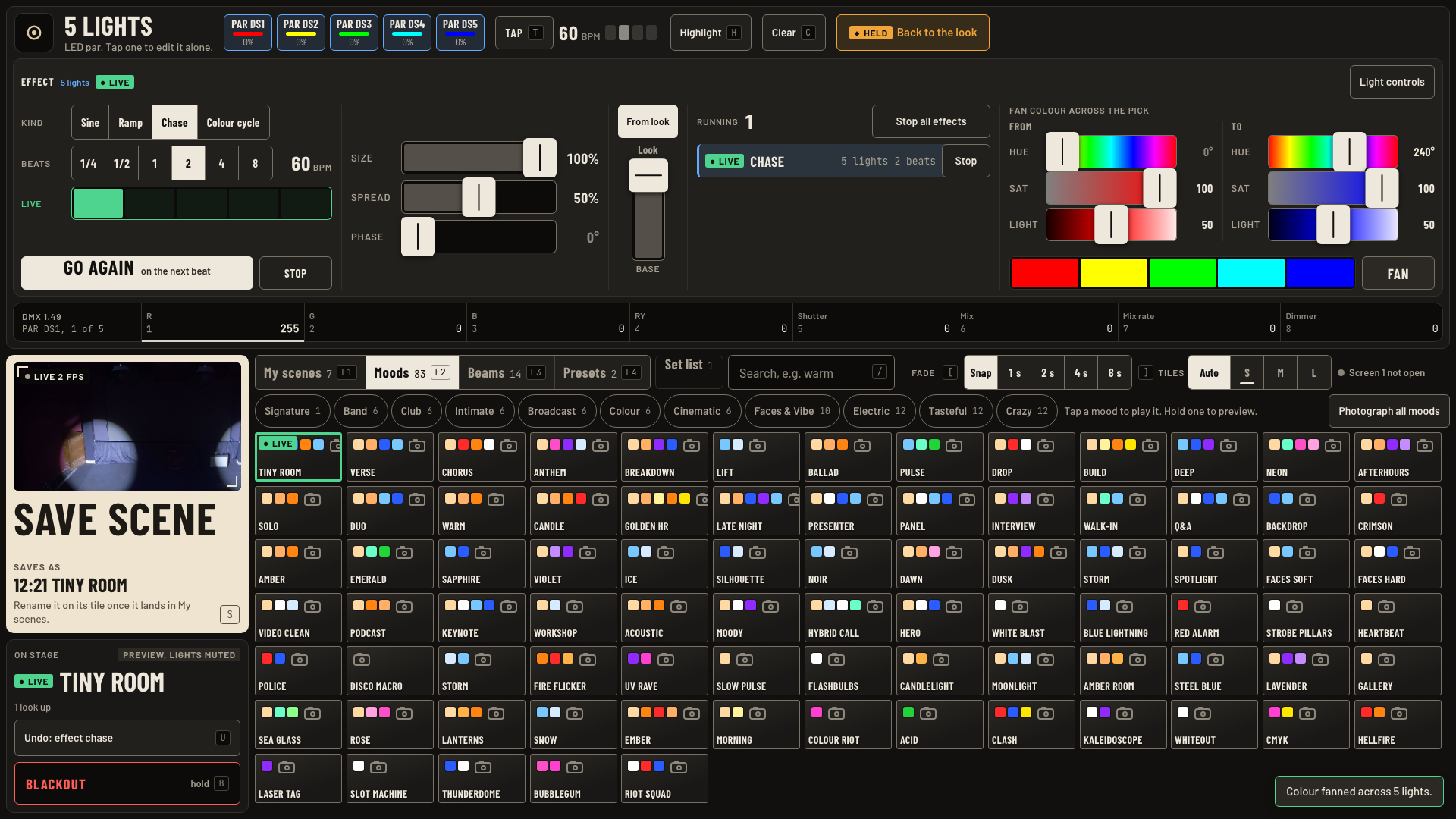
- Kind: Sine, Ramp, Chase or Colour cycle. Beats: how long one cycle takes, 1/4 to 8.
- Size, Spread, Phase shape it. Changes while it runs glide in, no jump.
- Base: From look, or drag your own floor. A KEY or FOH light stops at its cap.
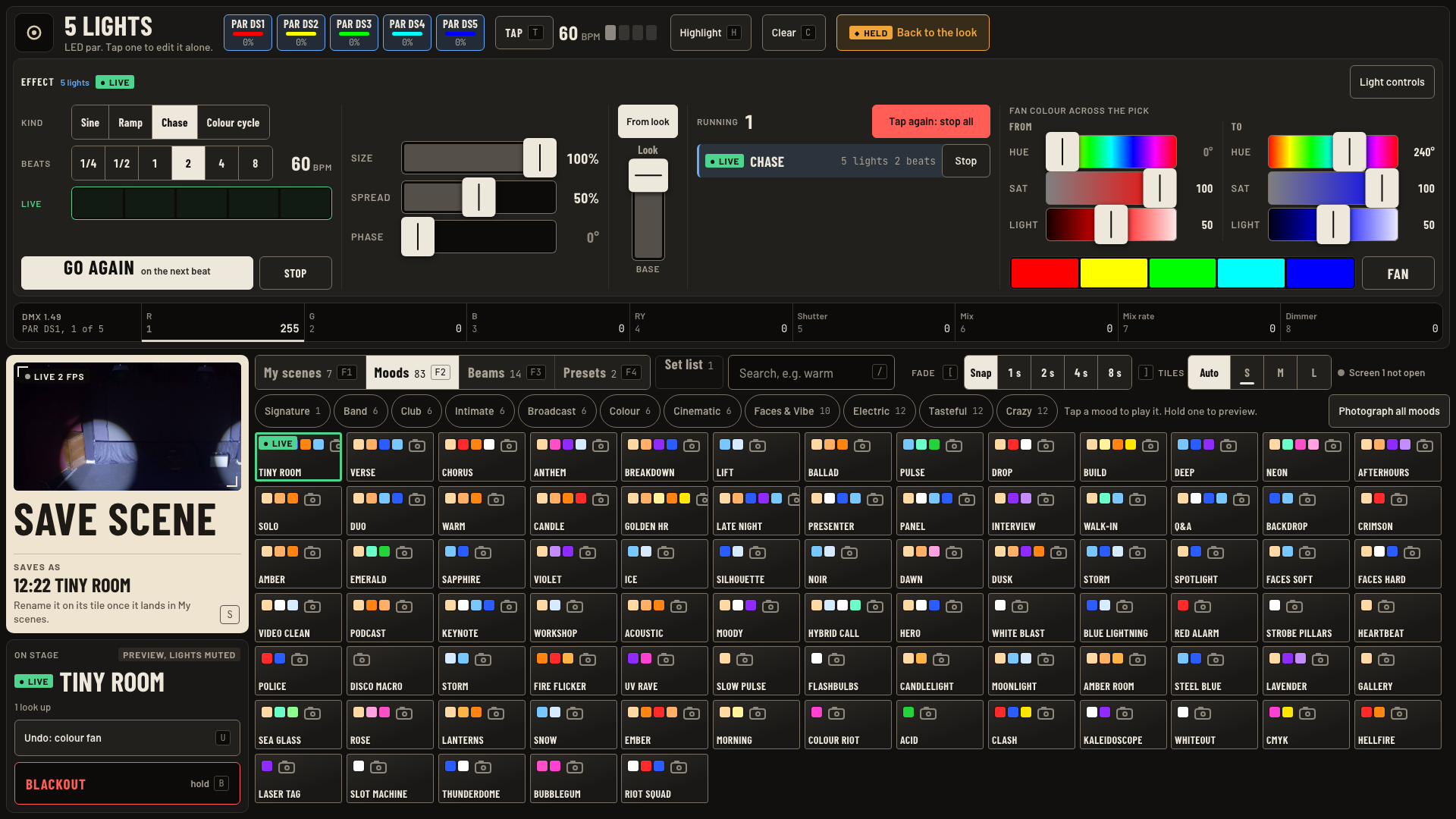
- Go starts on the next beat. Stop ends this effect. Stop all effects: tap, then tap again.
- Fan: set From and To, then tap Fan. The colours spread left to right across the pick.
Keys and gestures
| Press | What happens |
|---|---|
| T or Tap | Tap tempo. |
| , . | Half or double the tempo. |
| Sync | Now is beat one. |
| BPM readout, then − + | Beat 20 ms earlier or later. |
| Go | Effect starts on the next beat. |
| Stop all effects, twice | Every effect stops. |
| Fan | From and To spread across the pick. |
Good to know
- Effects run on the tempo clock. A new tap tempo speeds them up or slows them down.
- A hit set in beats shows its step length on the pad, like 1/2 b, and follows the tempo. None of the house hits uses beats yet.
- Lights with no colour cannot take a fan. The card says so.
- The phone Mixer tab has Stop all effects too, also two taps.
- A mood that takes lights out of a running effect ends it, and a note says so: Effects stopped by ANTHEM.