Shape a light
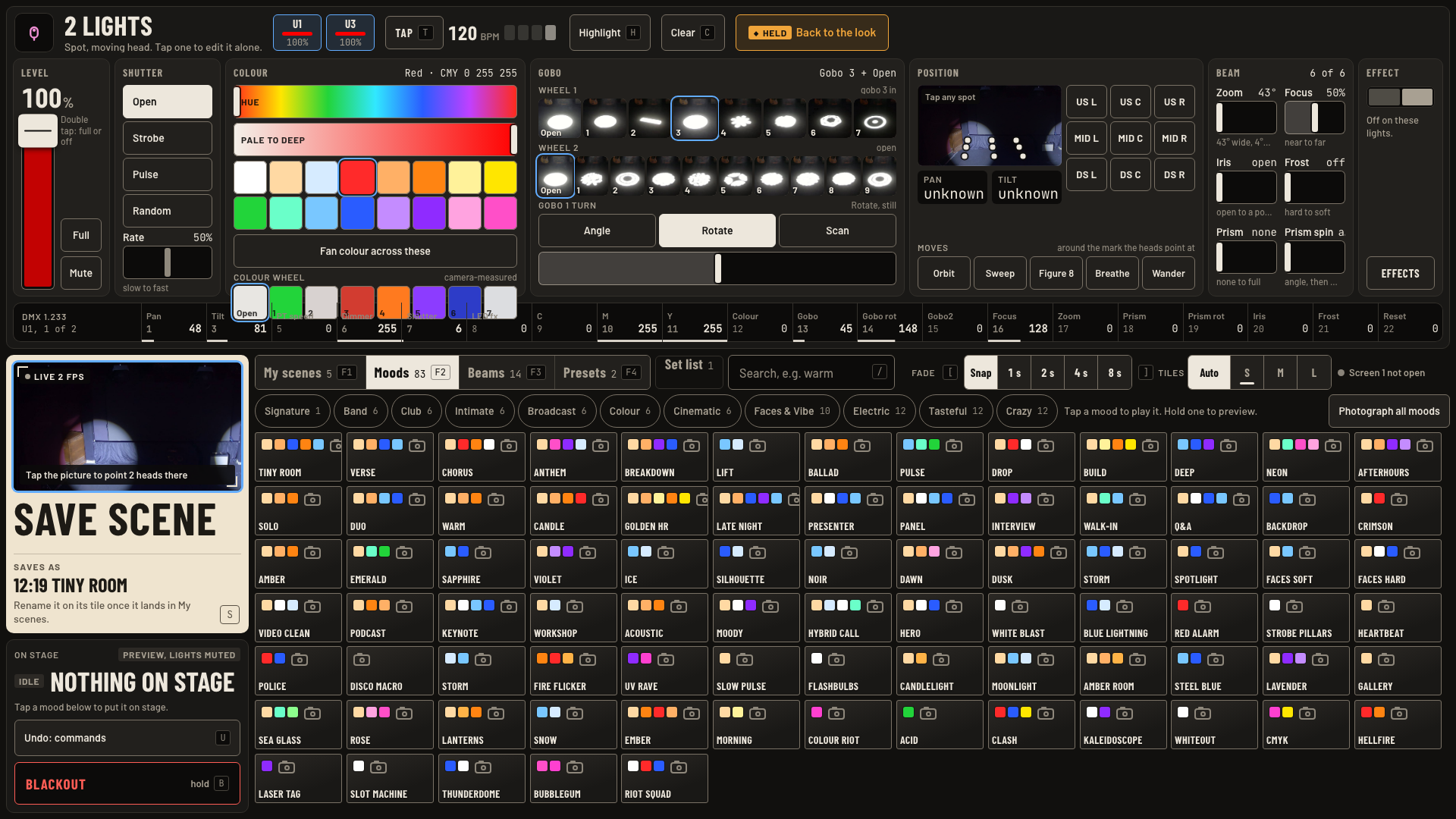
Level, shutter, colour, gobo, beam and the DMX strip on screen 2, then Back to the look.
Do this
- Pick lights on either screen. Screen 2 opens them across the top. Tap one head chip, like U1, to edit it alone.
- Level: drag the fader, or Full, or Mute. Double tap the fader for full or off.
- Shutter: Open, Strobe, Pulse or Random. Rate runs slow to fast.
- Colour: tap a swatch, or slide Hue and Pale to deep. Spots also have a Colour wheel row.
- Gobo on spots: tap a pattern on Wheel 1 or Wheel 2, then Angle, Rotate or Scan.
- Beam: Zoom, Focus, Iris, Frost, Prism, Prism spin. Every slider runs left to right.
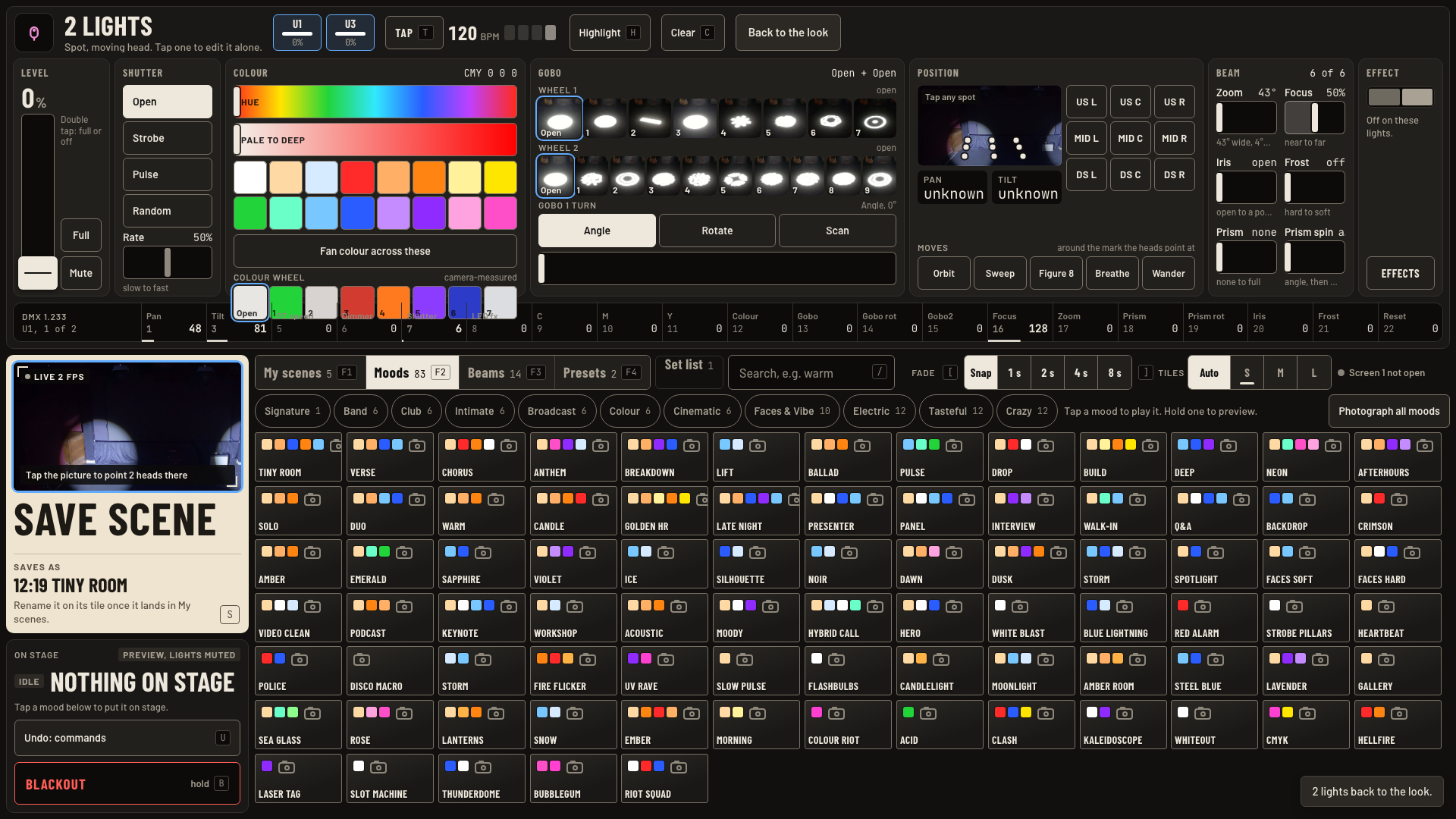
- Back to the look drops your hand edits on these lights. The amber Held tag goes away.
Keys and gestures
| Press | What happens |
|---|---|
| Double tap Level | Full or off. |
| Full, Mute | Level at once. |
| H or Highlight | Find these lights in the room. |
| C or Clear | Let go of the pick. |
| Back to the look | Drop hand edits on the picked lights. |
| U | Undo one change. |
Good to know
- Hand edits sit on top of every mood until you tap Back to the look.
- The strip along the bottom shows the first picked light's live DMX channels and address.
- Screen 1 has a quicker route: the PICKED fader and its colour button set level and colour for the pick.
- To fan a colour across several lights, use Fan on the Effect card. Chapter 6 shows it.