When something is wrong
Dark stage, the wrong window, no camera, and what never to do mid-show.
Do this
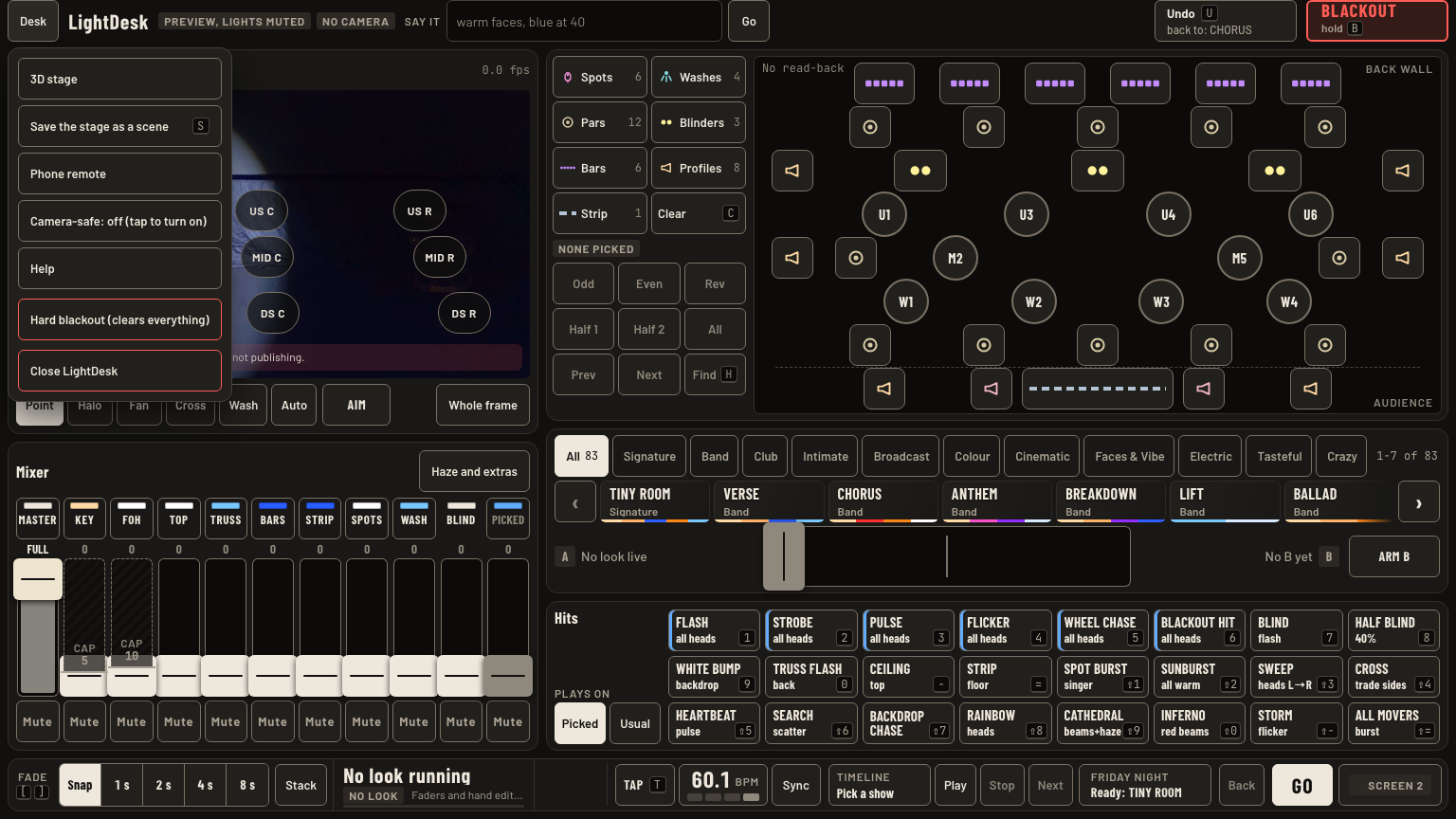
- Stage dark, desk looks fine? Read the pill in screen 1's top bar first. Then check the Blackout button. Two blackouts. Hold Blackout: the button reads Release, tap it. Desk menu Hard blackout: the button reads Blacked out, press U. Undo also lifts a held blackout: its line reads back to: lights on.
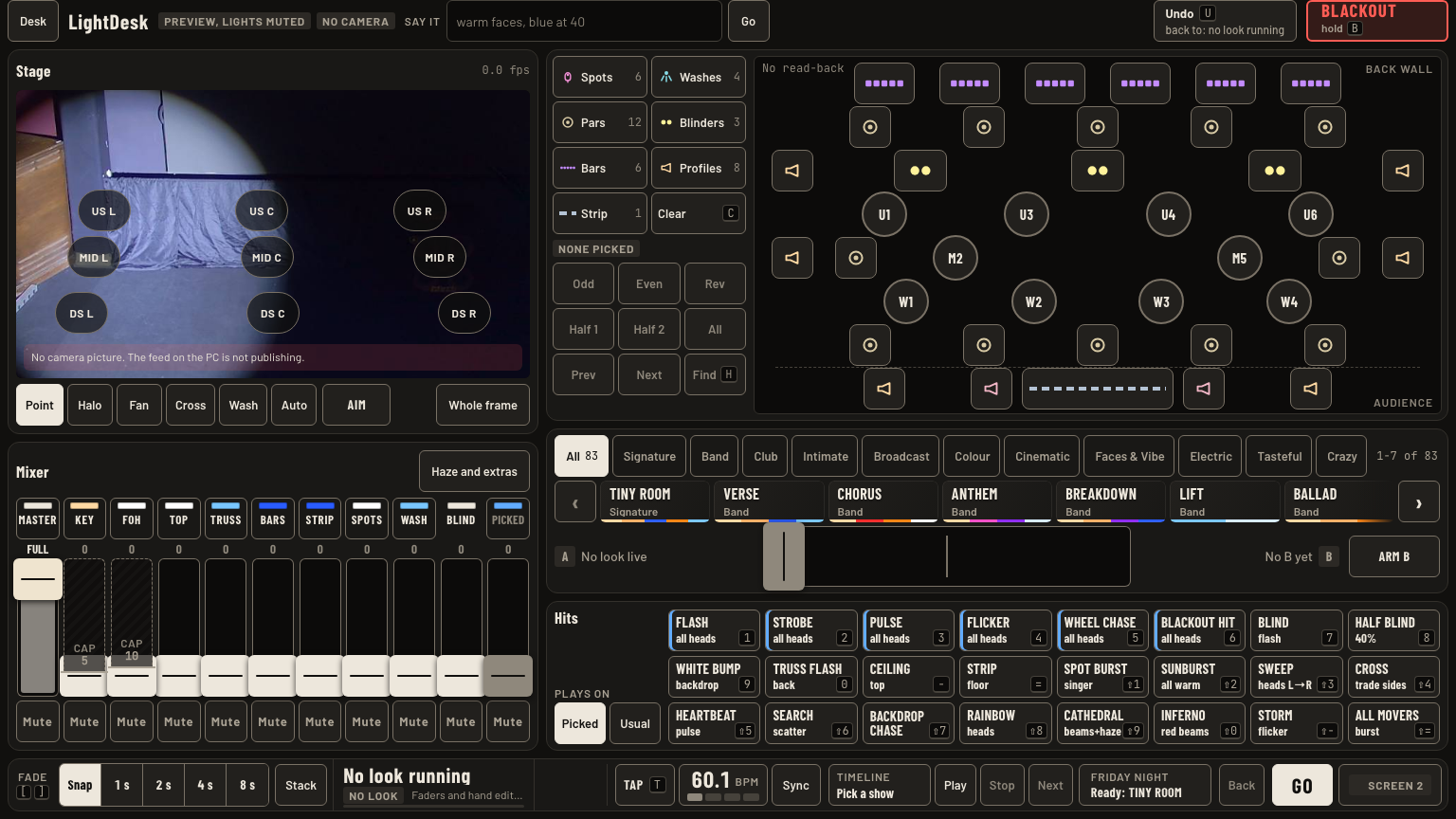
- Pill says Preview, lights muted? You are on the preview copy. The live desk runs on port 7070, the preview on 7075. Close the preview with
STOP V2 PREVIEW.cmd. - Screen 2 tile with a red ring and a red Dark tag? The look is live under a blackout. Tap Release.
- Grey NO CAMERA tag? Marks, moods and hits all still work. Tell Greg after the show.
- Red Engine stopped, Not sending or No node? The desk cannot reach the lights. Text Greg. Do not restart mid-show.
- LEKO FOH 1 stays dark? The fault is at the unit, not the desk. Use LEKO FOH 2 and the two FOH SPOTs.
Which window am I on
| Press | What happens |
|---|---|
| Driving lights | Live desk, port 7070. This one moves the lights. |
| Preview, lights muted | Preview, port 7075. Nothing reaches the rig. Opened by OPEN LIGHTDESK V2 PREVIEW (no lights).cmd. |
| Engine stopped | Red pill: no output. Text Greg. |
| No camera | No stage picture. Everything else works. |
| Esc | Closes the Desk menu. |
Good to know
- Never restart, Close or update the desk during a show or while a timeline plays. A restart darkens the stage for about 5 s, and a running timeline does not come back.
- Putting an earlier build back is Greg's job, never mid-show.
- The old single-window desk is the fallback. Its launcher,
LIGHTDESK - go back to the OLDER version.cmd, now lives in the Desktop folder named Old launchers. Do not use it mid-show. - LEKO FOH 1 fix, at the fixture menu: address 33, mode Direct, Strobe off, Fan auto. Then check its DMX in and through cables.