What you are looking at
Two monitors, the phone, five colours, and how to tell the live desk from the preview.
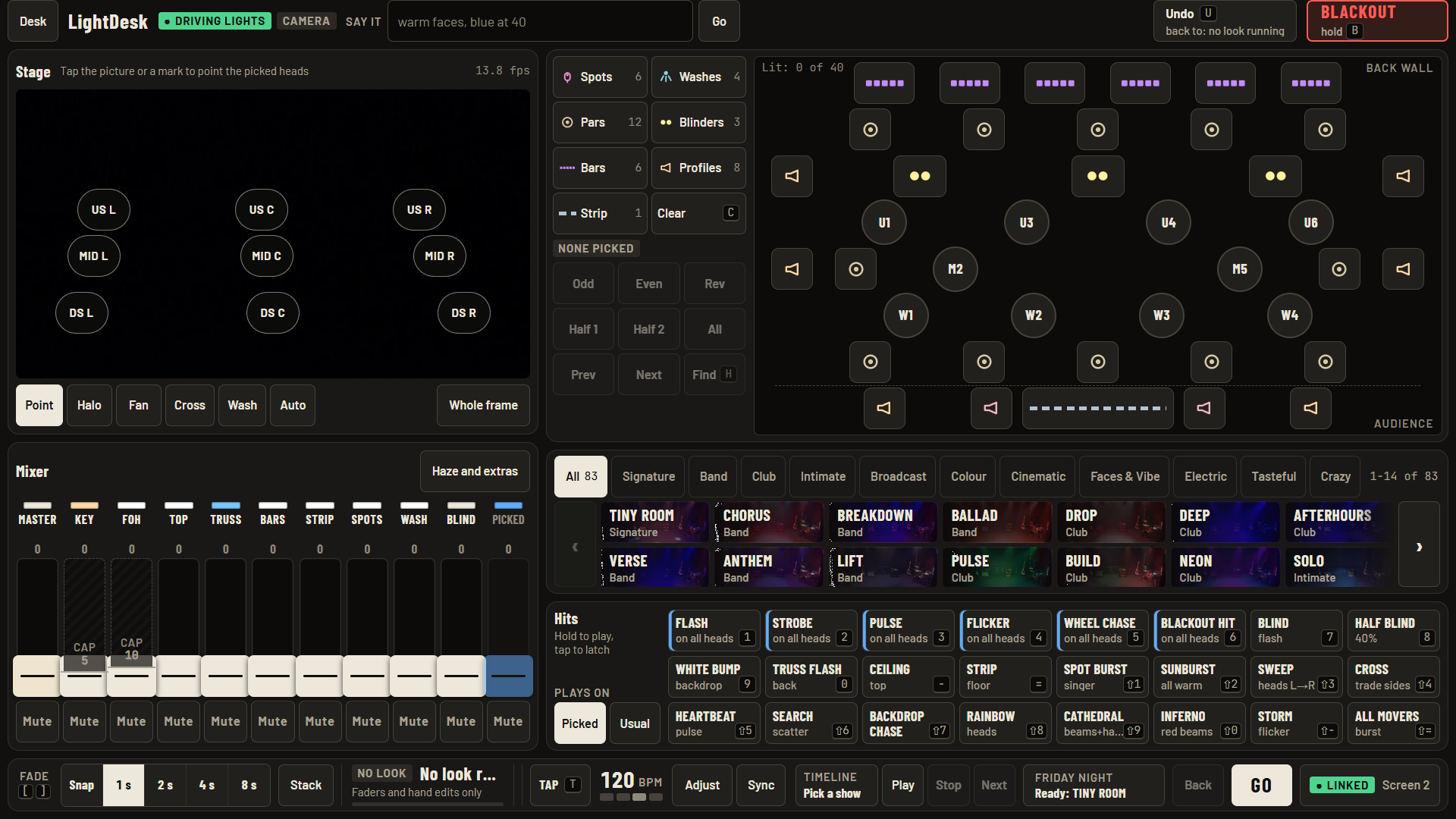
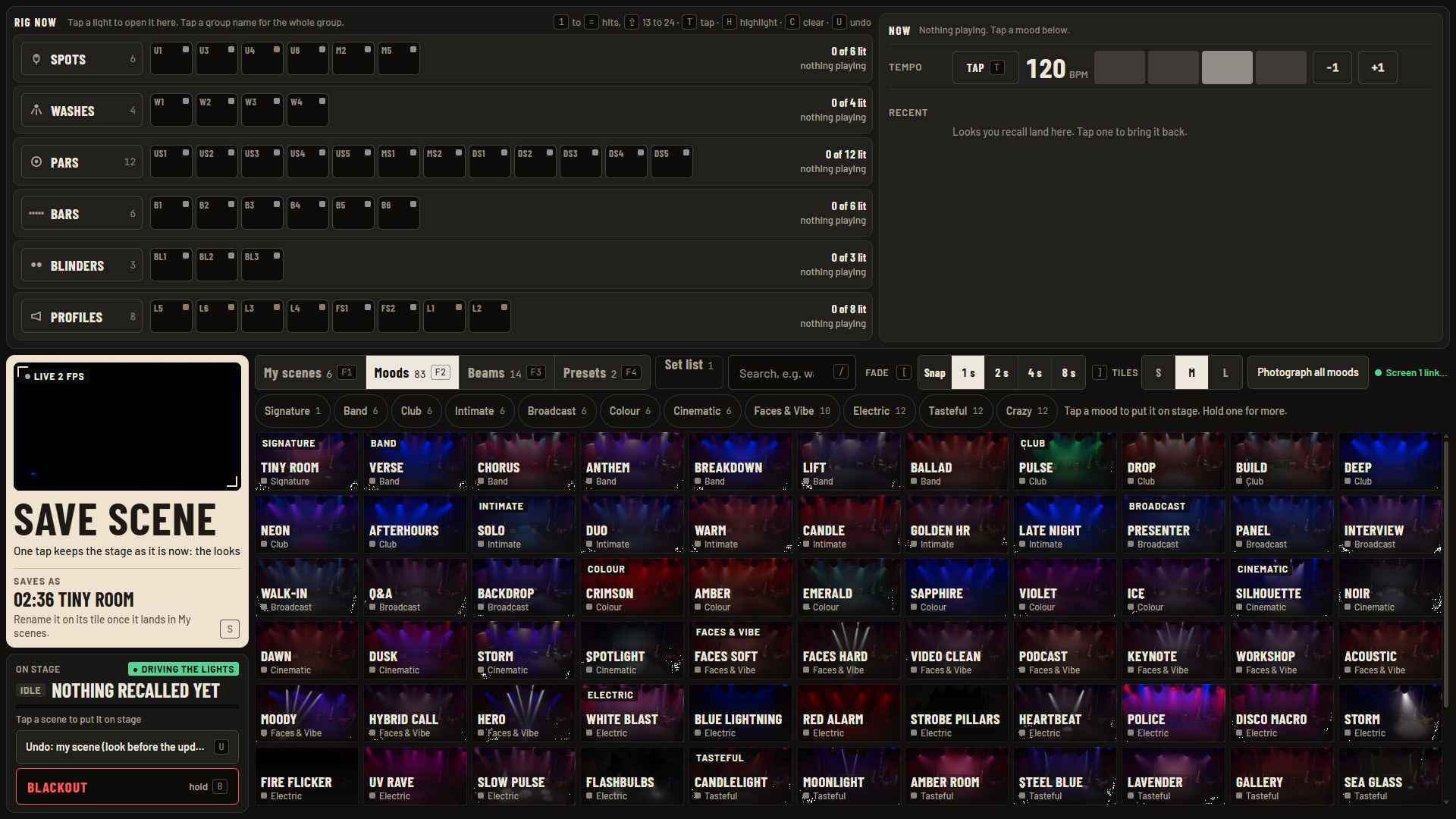
The lighting PC after ship 1. The camera picture is black because the room lights were off.
Do this
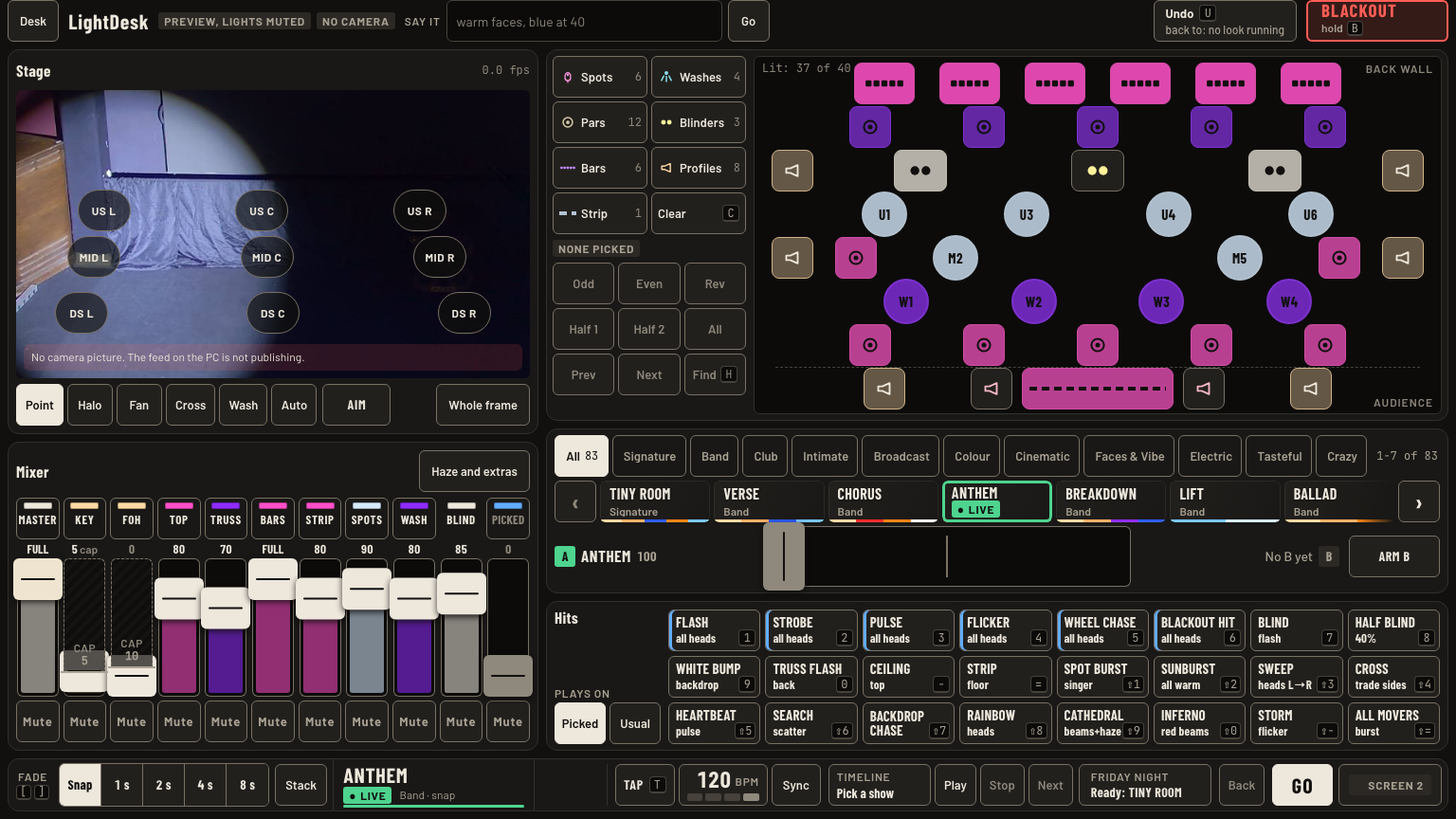
- Screen 1, the left monitor, is the desk: stage picture, light map, mixer, mood strip, hits, and the bottom bar.
- Screen 2, the right monitor, is the wall: the picked lights up top, SAVE SCENE and Blackout on the left, every mood below.
- The phone opens the phone remote (studio wifi). Desk menu, Phone remote shows its QR code.
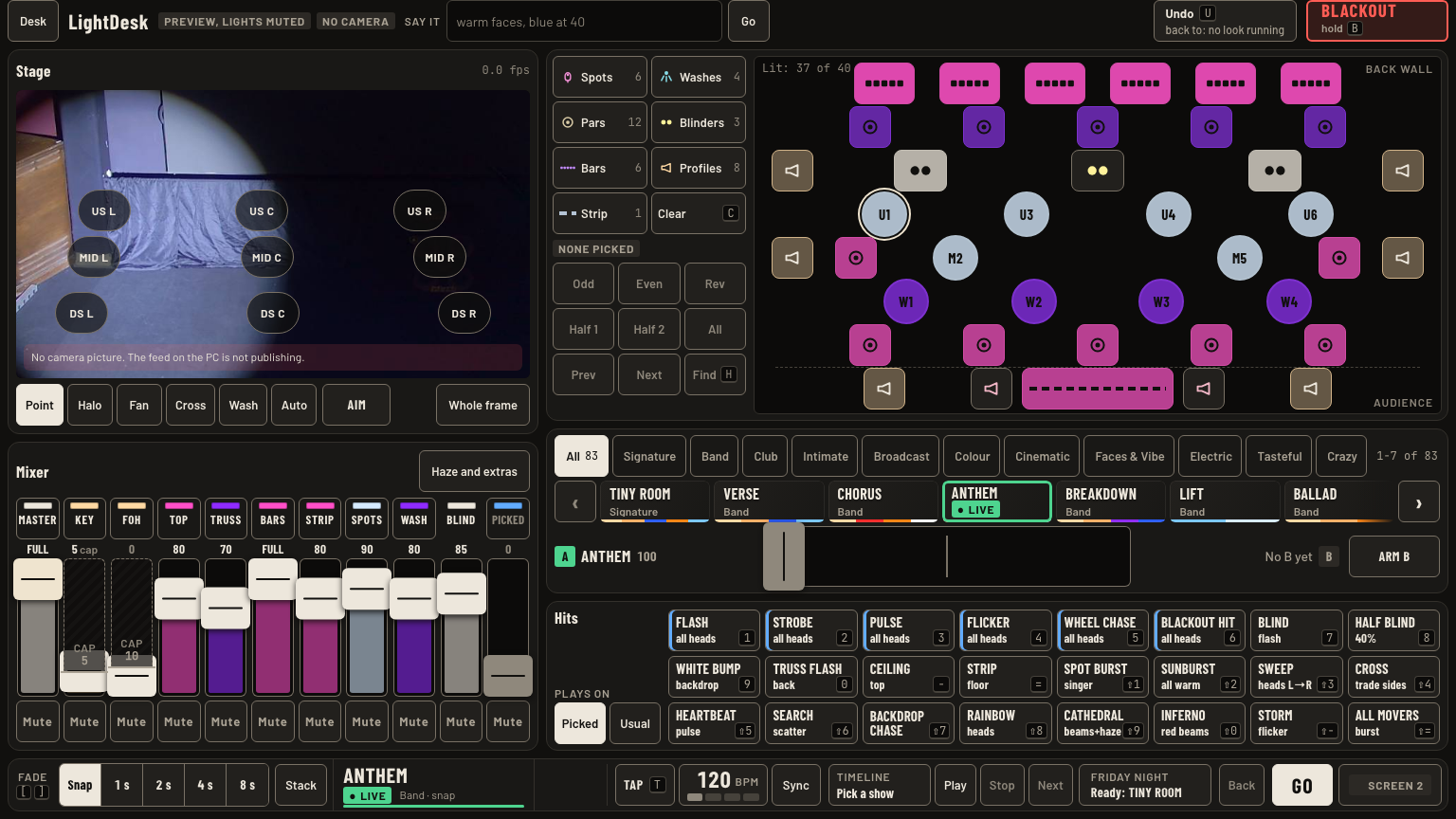
- Check the top bar of screen 1. Green Driving lights is the live desk. Grey Preview, lights muted moves nothing.
Every key
| Press | What happens |
|---|---|
| U | Undo the last change. Up to 10 back. |
| B hold | Blackout after 0.7 s, everything kept running. Tap Release to bring the stage back. |
| G | Set list GO. Shift + G steps back. |
| T | Tap tempo on the beat. |
| H | Find: the picked lights breathe in the room. Again to stop. |
| C | Clear the pick. |
| S | Save the stage as a scene. |
| [ ] | Fade shorter or longer: Snap, 1, 2, 4, 8 s. |
| 1 to = | Hits 1 to 12. Hold to play. |
| Shift + 1 to = | Hits 13 to 24. |
| , . | Half or double the tempo. |
| Esc | Closes a menu or cancels a first tap. Never changes the stage. |
| F1 to F4 | Screen 2: My scenes, Moods, Beams, Presets. |
| / | Screen 2: search scenes. |
Good to know
- Live on stage now. Selected the lights you picked. Held your hand edits over a look. Kill blackout and errors. Neutral nothing happening.
- Both screens and the phone share one pick. Tap a light anywhere and all three show it.
- Screen 2 closed by accident? Tap Screen 2 at the bottom right of screen 1.